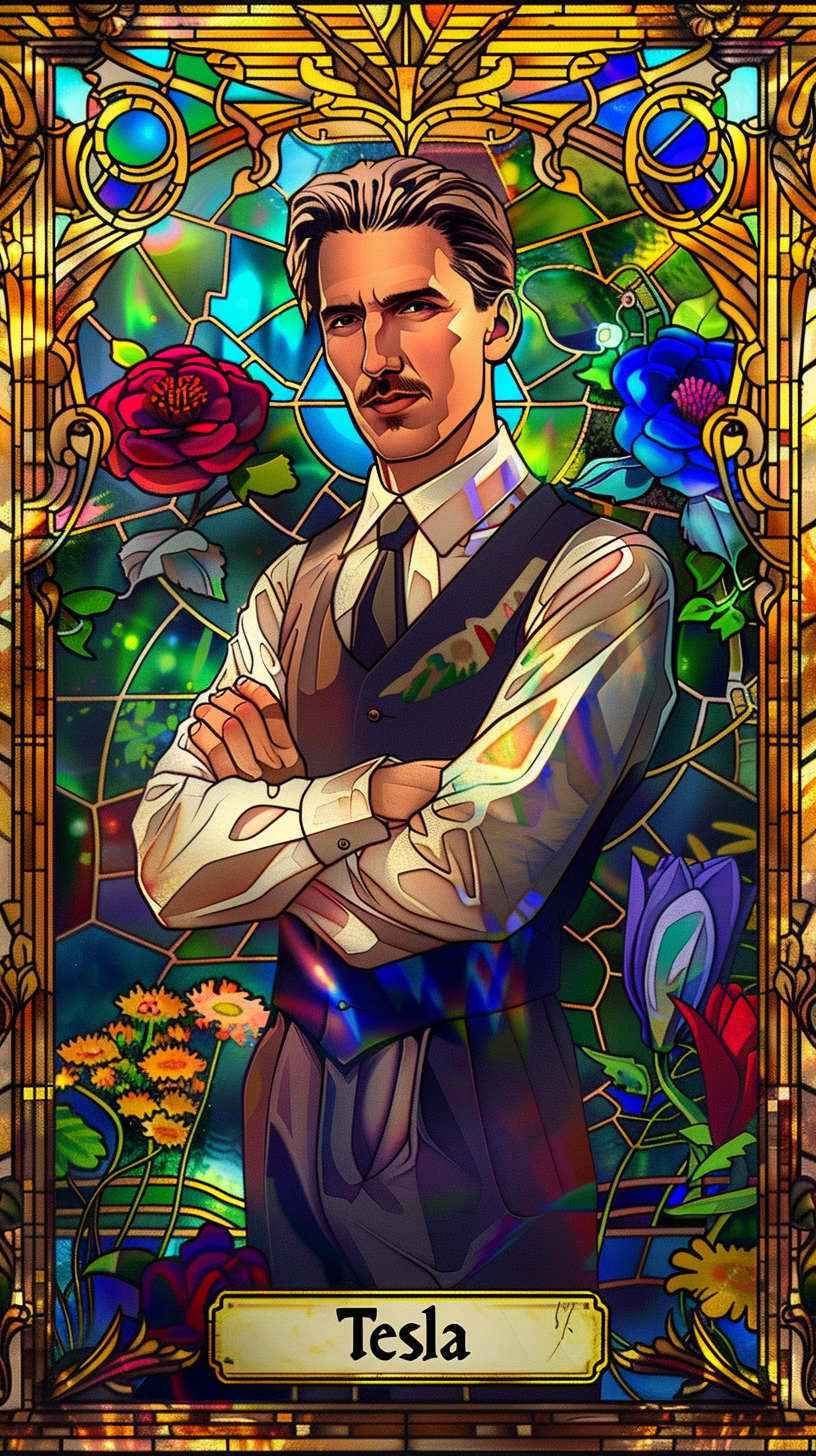

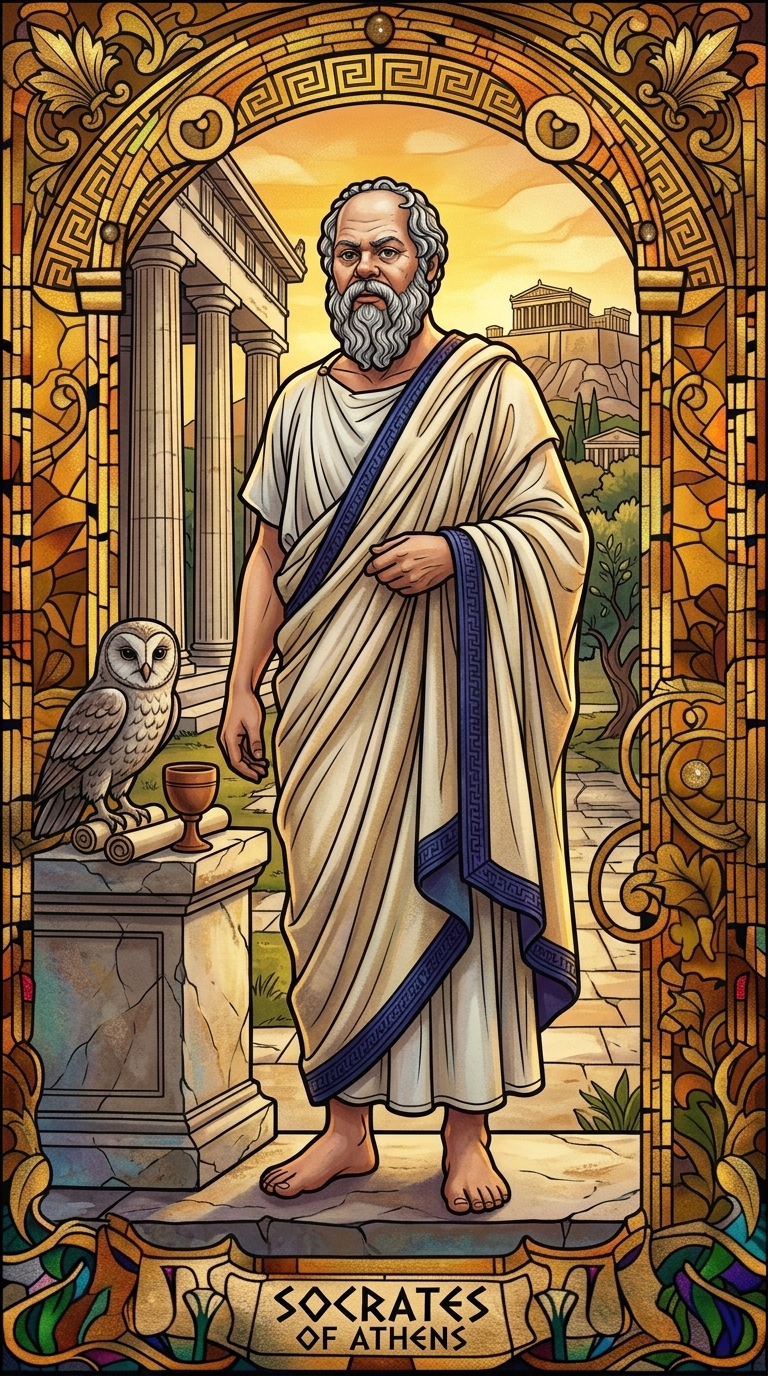
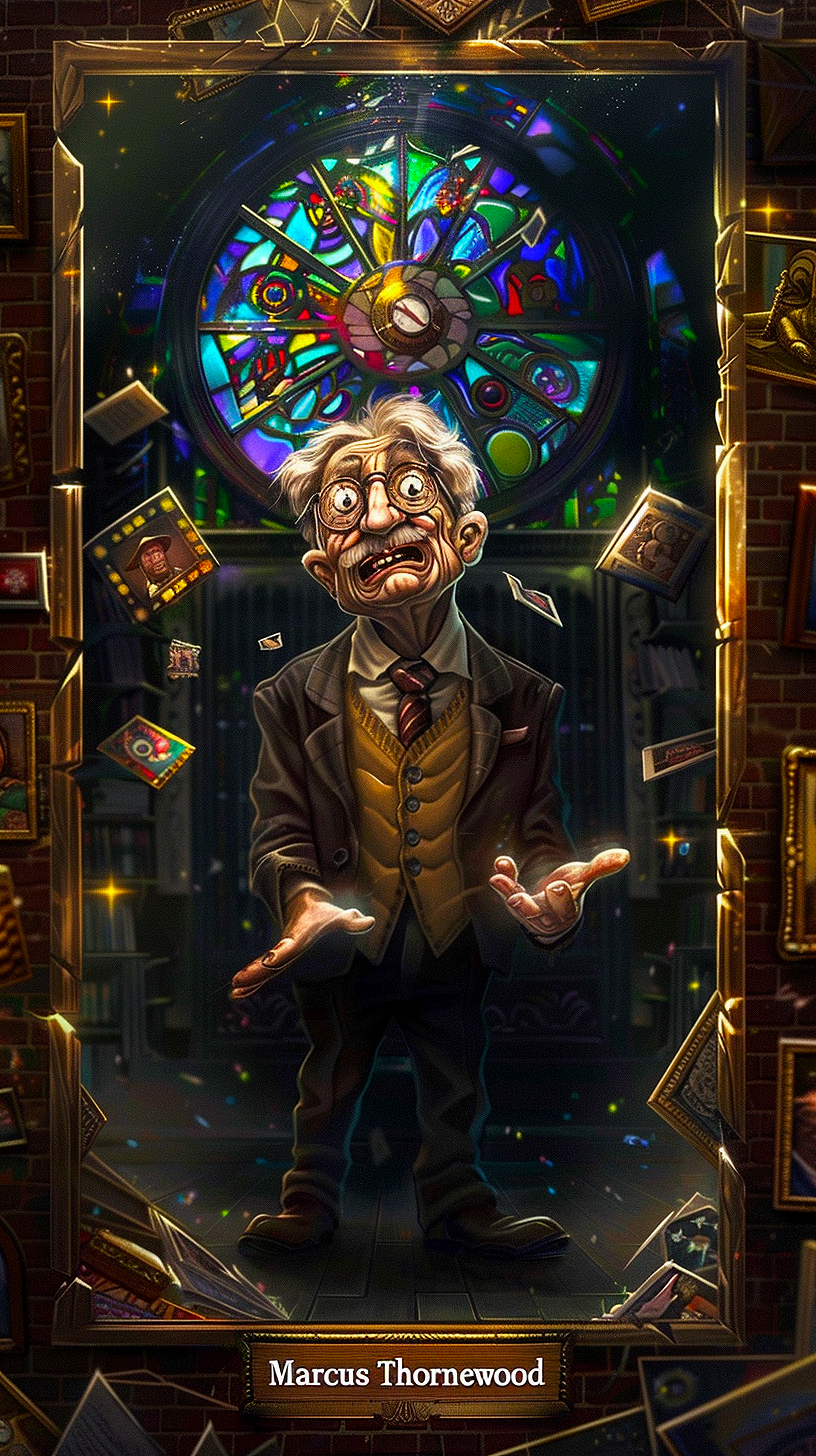
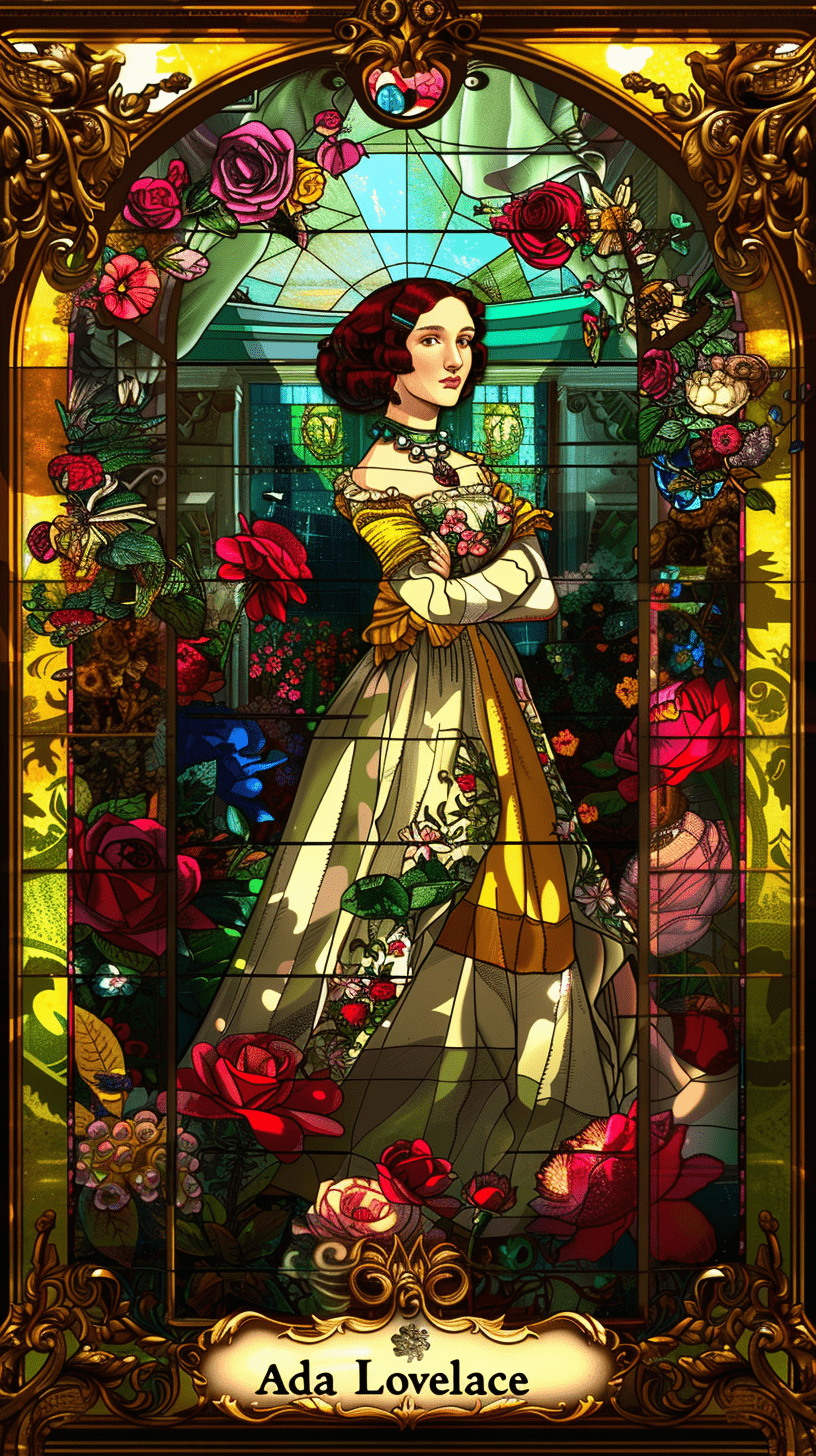
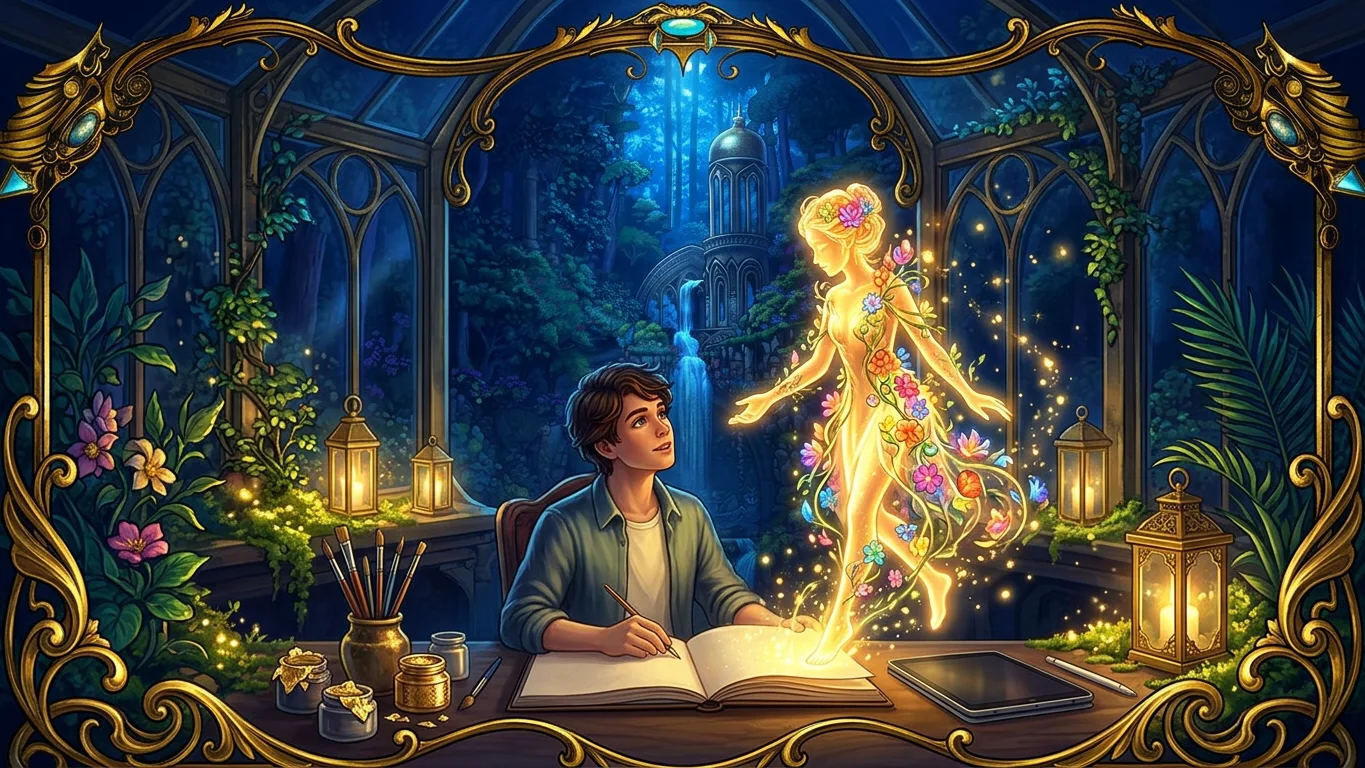
Every character on Eternal Gardens belongs to the person who made it. This guide shows how to create one in about two minutes, from sign-up to its first answer.
Try it yourself
- Press Create in the top bar, then create a free account with your email or Google. New accounts can try the Creator plan free for seven days, no card needed.
- Give your character a name and describe who it is in one or two sentences.
- Pick a portrait style and press Create and start chatting. Eternal Gardens writes how your character speaks and paints its portrait.
- Your character opens in its studio. Train is where you teach it; switch to Talk to chat. Only you see this chat while you create.
- When you are ready, press Publish. Your character gets a public page and chat that anyone can visit and share. You can unpublish at any time.