
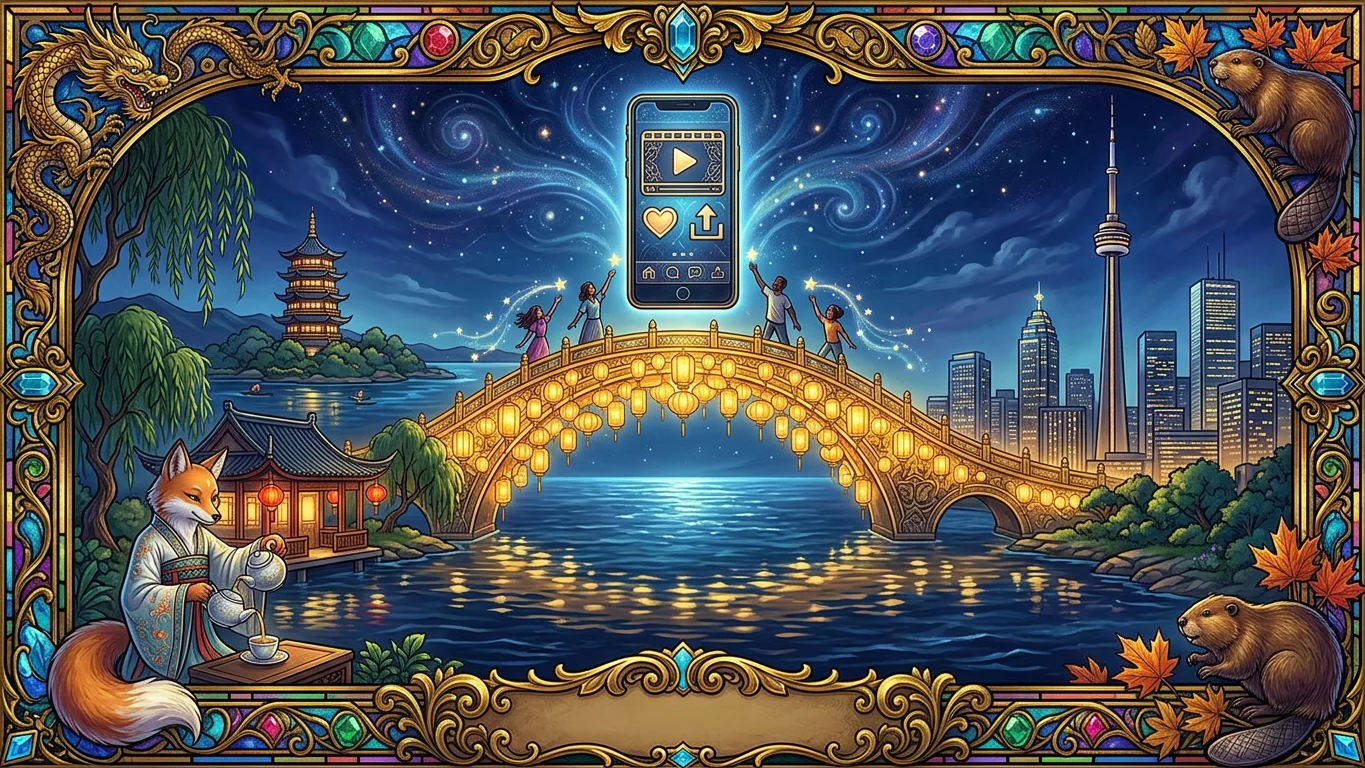
A character made in one language can meet fans in another. This guide follows an illustrator in China who brings her original character, Xiaoman, a fox-spirit tea-house keeper by West Lake, to fans in Toronto. Everything is made in Chinese; the fans and the posts are in English.
本教程面向希望触达西方粉丝的中国创作者:用中文创建角色,角色用英文回答英文粉丝,并制作英文 Instagram 帖子。在视频下方点“中文字幕”即可显示中文字幕。
Try it yourself
- Eternal Gardens opens in Chinese when your browser is in Chinese. You can also switch to 中文 at the foot of any page.
- Press 创建 (Create), choose 快速 (Quick), name your character and describe it in Chinese.
- Open 聊天 (Talk). When a fan writes in English, your character answers in English, in its own voice, with the details you gave it.
- Open 增长 (Grow) and make a post. Write the idea in Chinese, set Post language to English and start.
- Eternal Gardens writes the post, paints the picture and runs ten checks. Nothing is posted until you approve it. Connect Instagram or LinkedIn once under 社交账号 (Social accounts).
Next: earn from your character.